
Strategy & conversion
We identify who you need to reach, why they buy and what gets in their way.

Sanity CMS
We set up a Sanity panel shaped around your website. Your team updates the agreed text, images and sections, and sees a preview before publishing.
Let’s talk about your CMSAnimation on a monitor: in the content studio someone changes the heading, image and button of an example architecture studio website. The preview updates as they type, and after “Publish” the page is live.




A panel shaped around your site
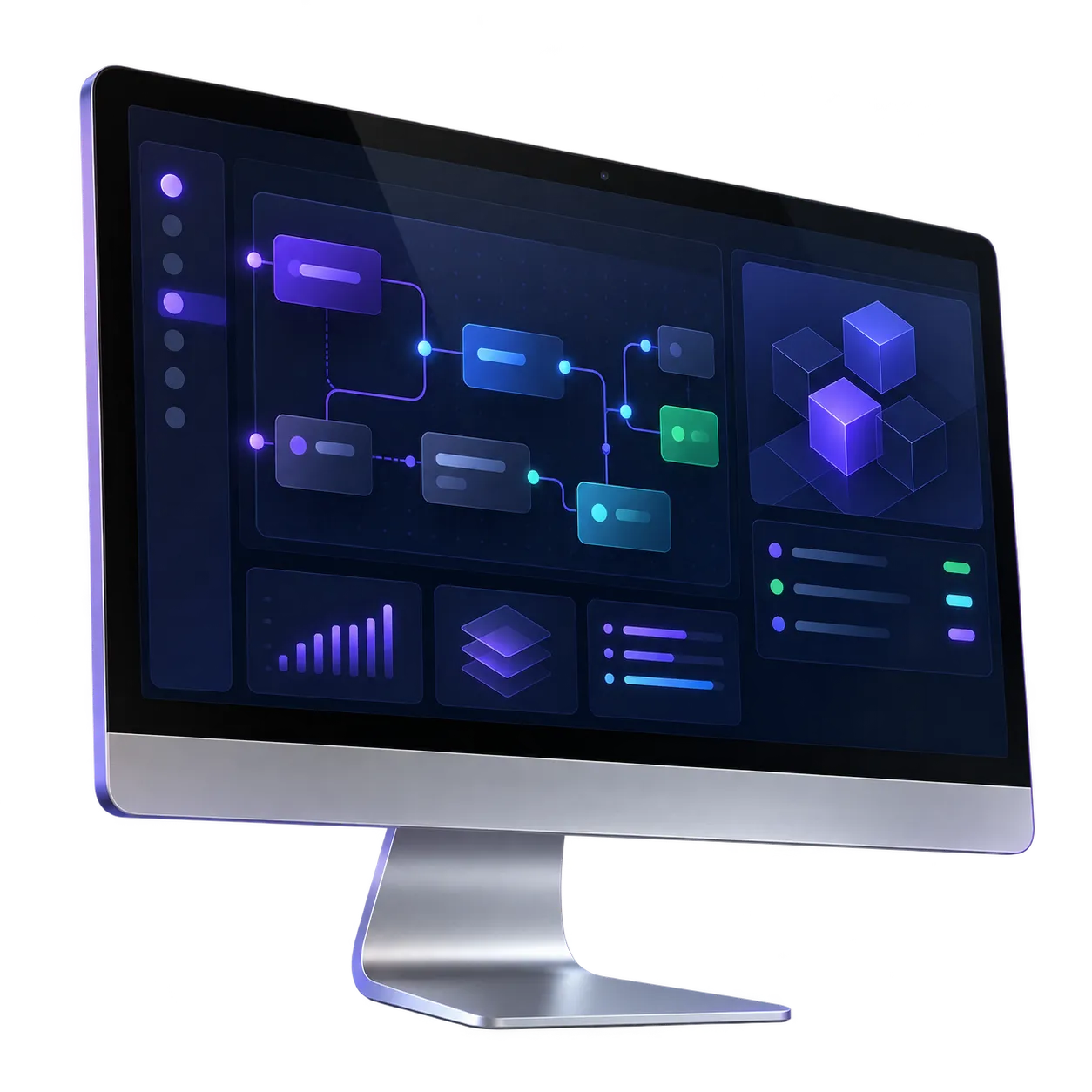
You don’t get an empty system with a hundred options. We agree which content changes most often and prepare exactly that for editing. Fields have clear names, hints and limits that keep the layout intact.
Let’s talk about your CMSNo developer for everyday changes
Yes. You edit clearly named fields and see a preview before publishing. We walk you through the panel when we hand over the site.
Fields have limits and required elements, and the layout stays in code. You change the content, not the structure of the page.
Sanity has a free plan that suits many small teams. If you need more users or features, we show you which plan fits before we start.
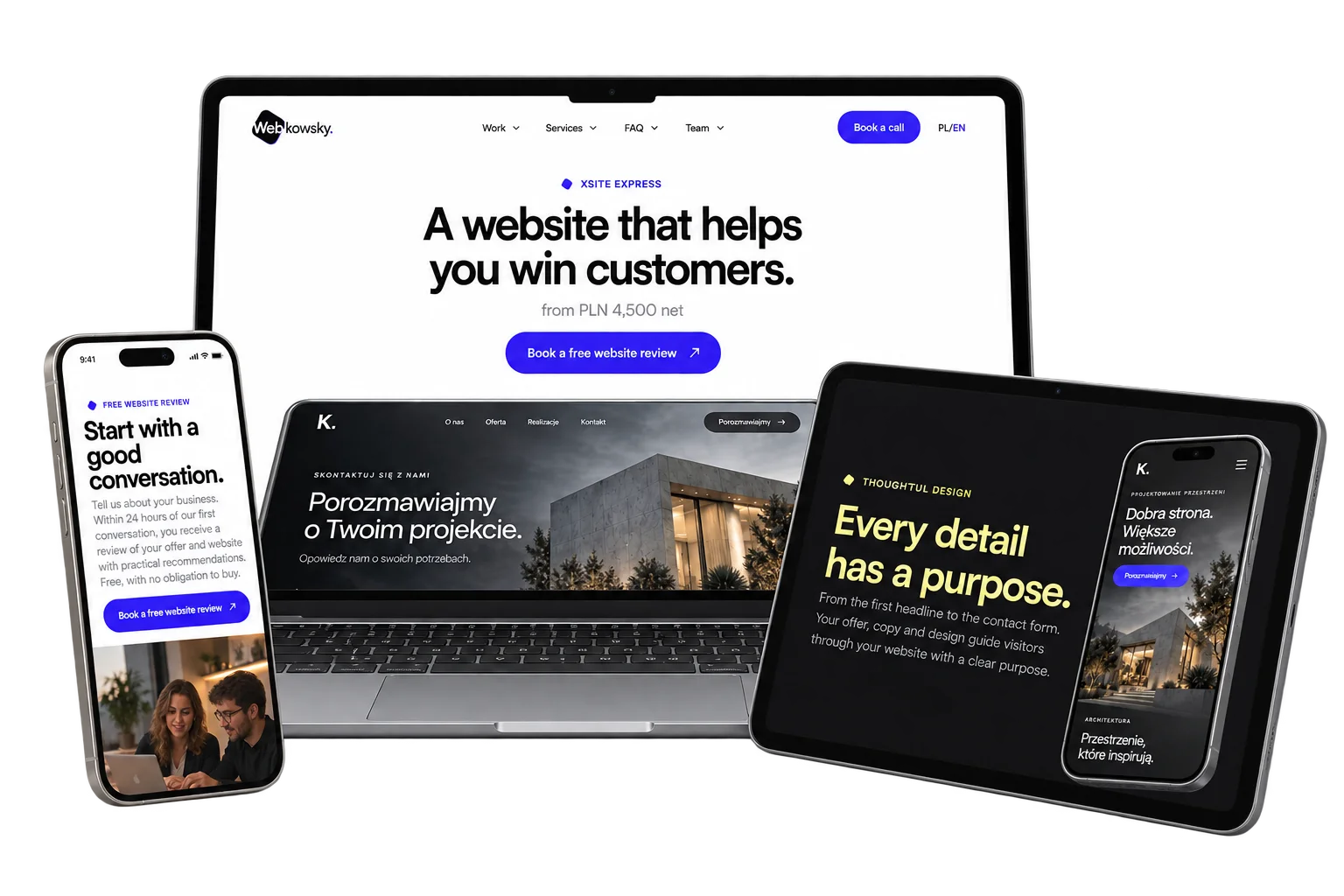
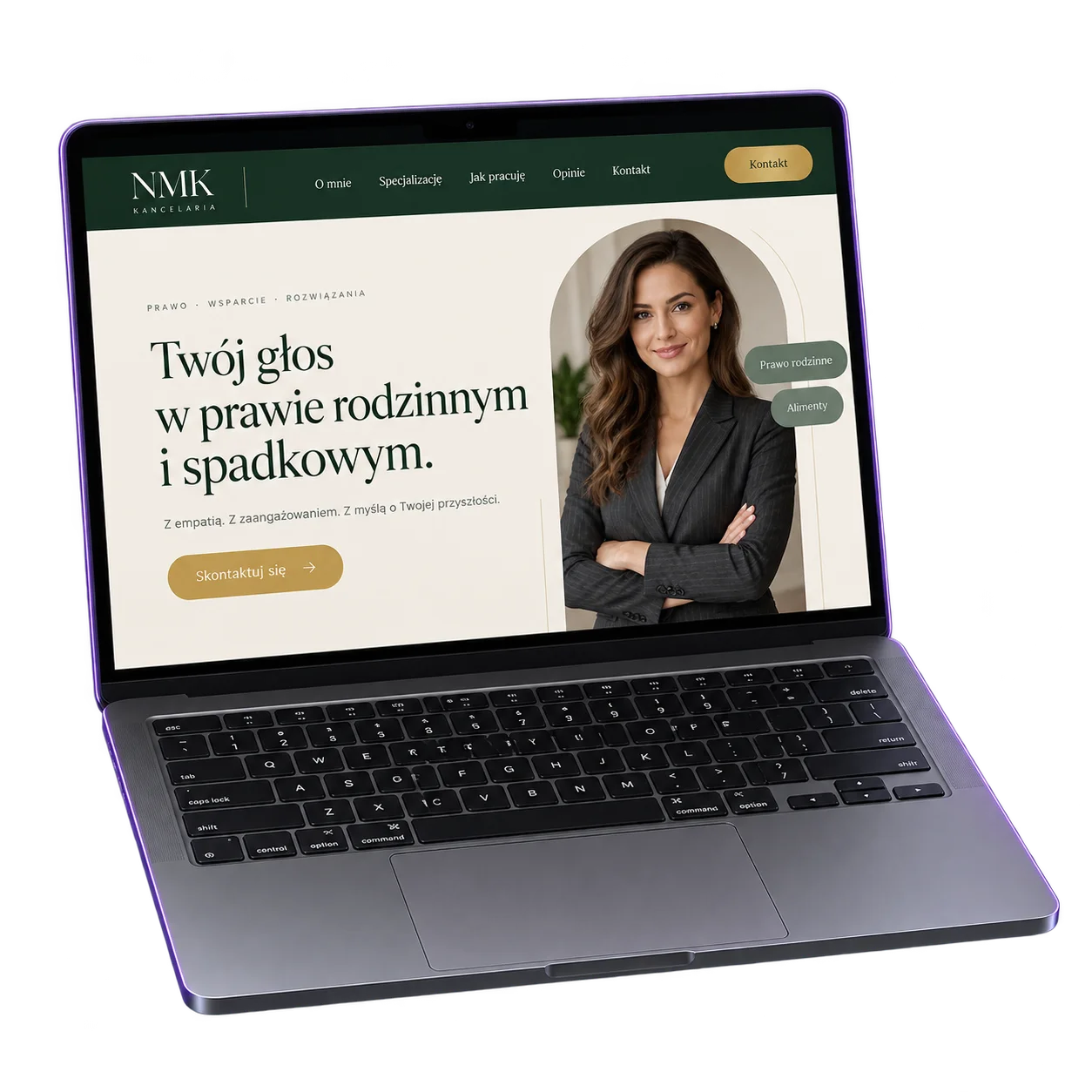
Looping animation on a laptop: an example architecture studio website switches between Polish and English while a studio card beside it shows both linked translations of the heading.
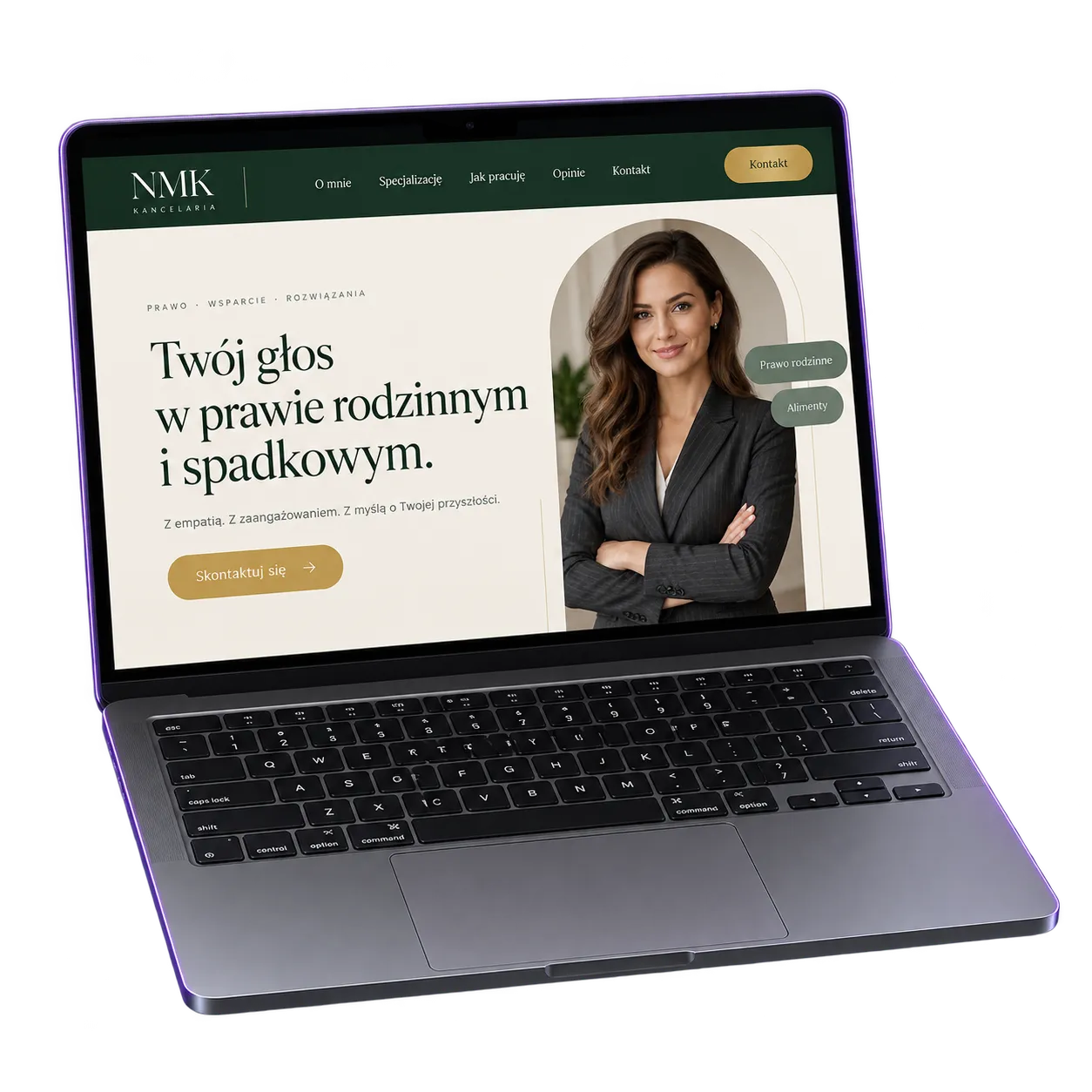
Two monitors: the content studio with heading, description, image and button fields on the left, and the finished page using that content on the right.
From setup to your first edit
We start by agreeing what should be editable and who will edit it. Then we design the content model, connect the live preview and move your content in. At handoff we show your team how to work in the panel using your own content.
Let’s talk about your CMSYour next step
Tell us what you change most often and who will edit the site. We’ll help you work out the right CMS scope.
Let’s talk about your CMSNo. If your content rarely changes, it can be simpler to ask us for an update. A CMS makes sense when you update the site regularly.
If we built the site in code, yes. For other websites we first check the technology and agree whether it makes sense.
We can prepare fields for each language version and link translations, just like on our own website.
As many as your Sanity plan includes. Everyone has their own account, so you can see who made a change.
We show you how to use the panel with your own content and leave a short guide. We also agree what to do when you need a new section.
How we help
We connect customer insight, copy, design and development so people can understand your offer and act on it.
We identify who you need to reach, why they buy and what gets in their way.
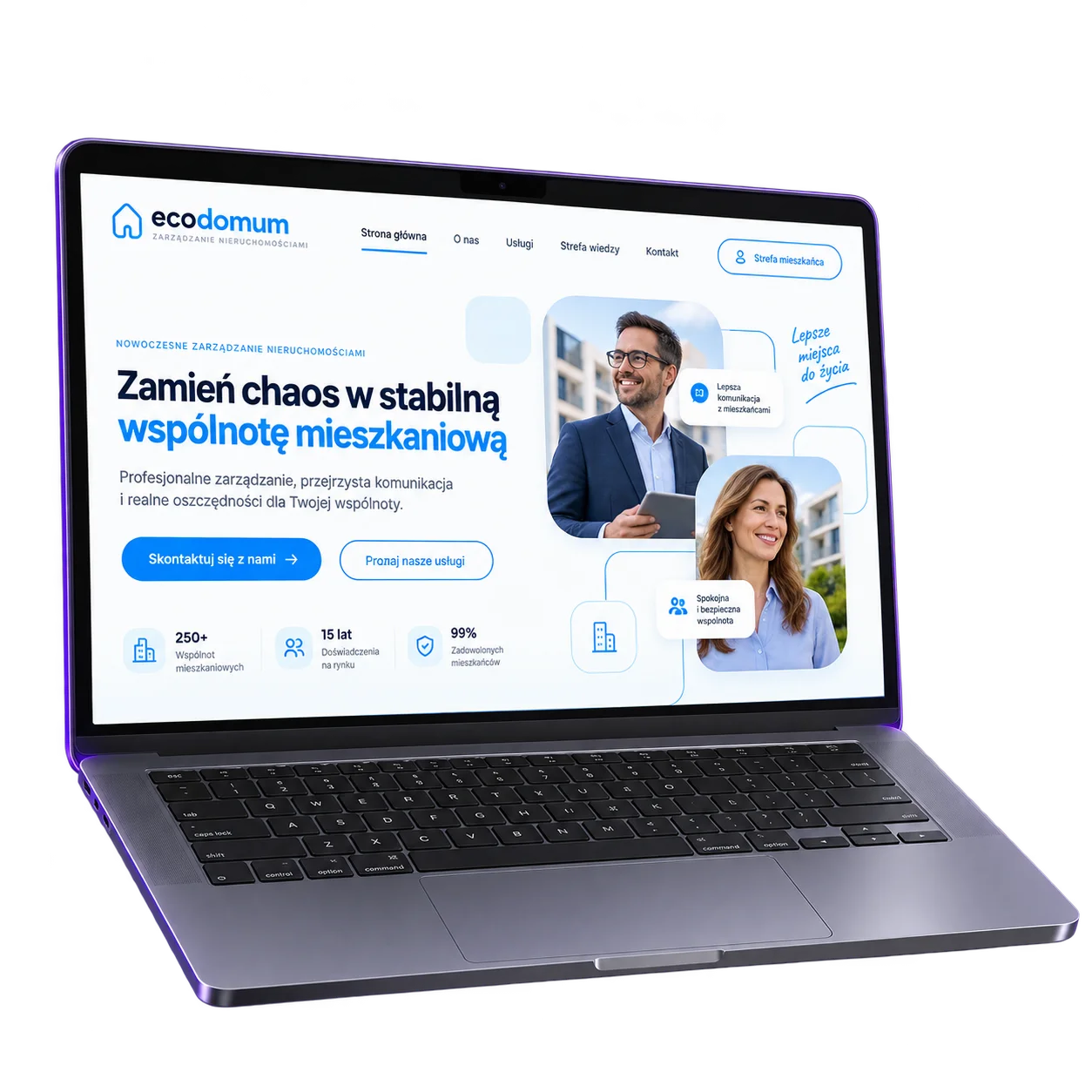
We connect the promise in your campaign to a relevant offer and a way to enquire.
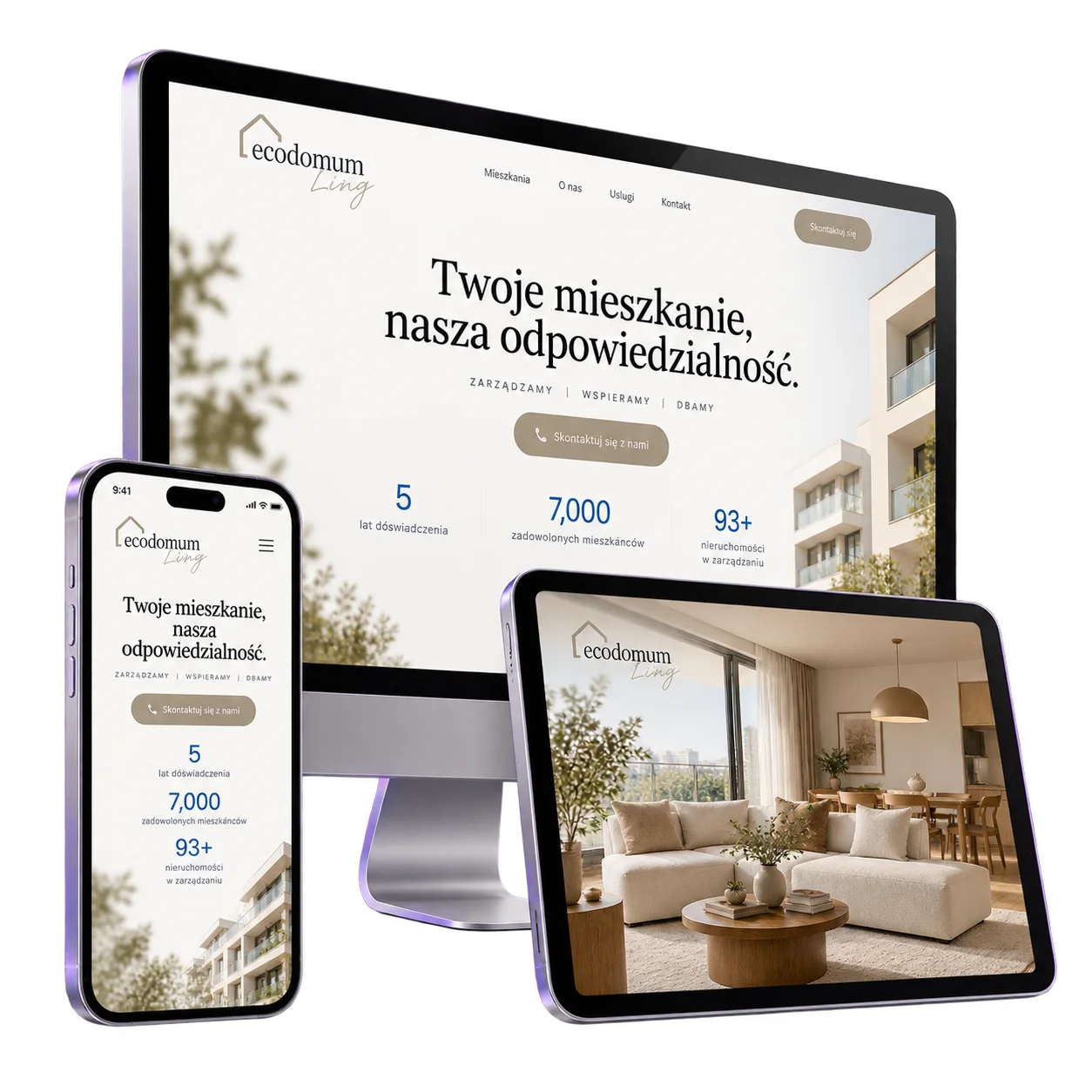
We make your services easy to explore and your customers’ questions easy to answer.
We build the website and check its forms, functionality and mobile experience.
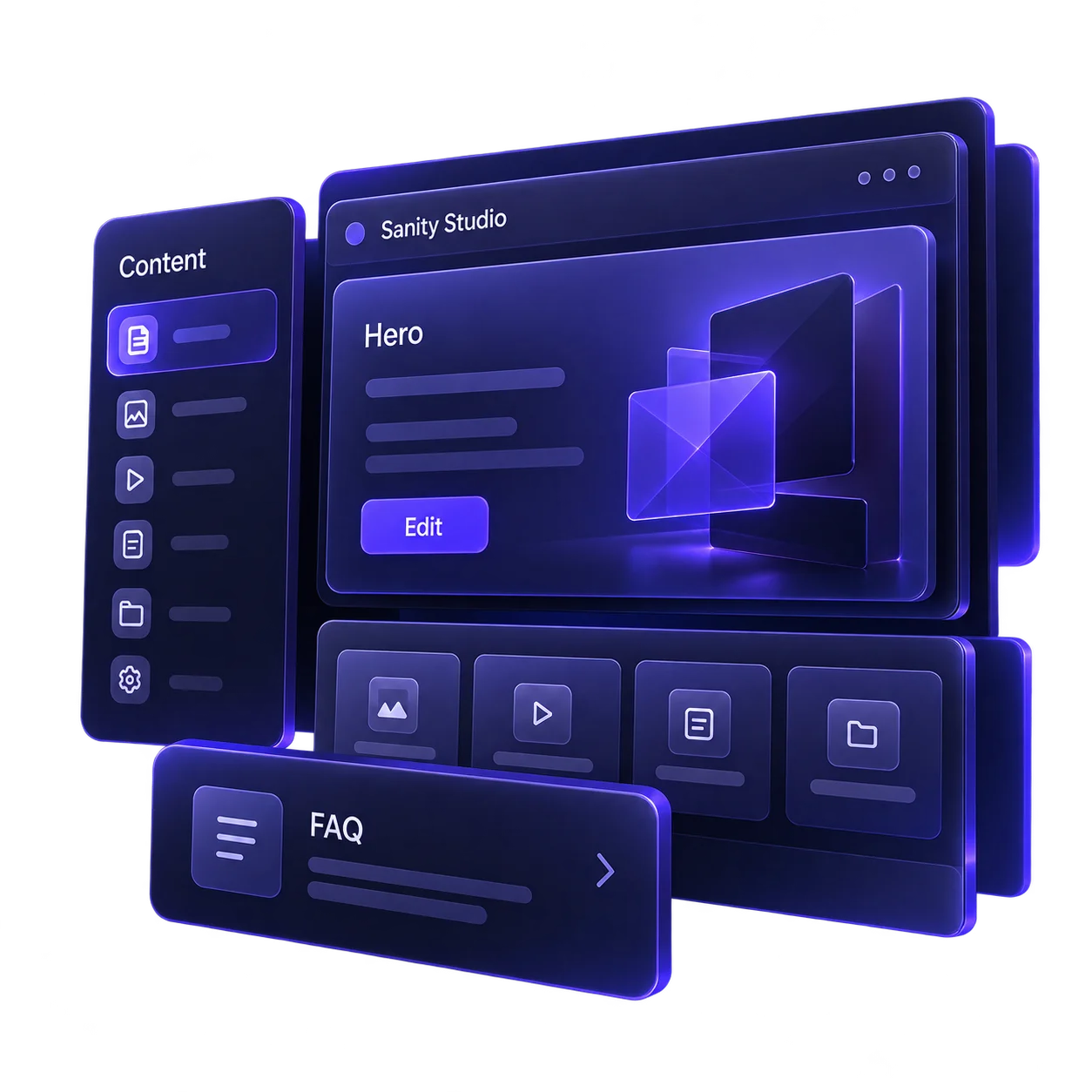
We give your team a practical way to update the content agreed in your project.